Geography lessons that play like a game
Free map quizzes for the whole class: run a live game with a PIN, set quizzes as homework and print blank maps for tests. Works on phones, tablets and computers.
- Free
- No student accounts
- No ads in class
- 304 quizzes
- 72 printable maps
Three ways to use it in class
Pick what fits the lesson. None of them needs student e-mails or an app.
Live game
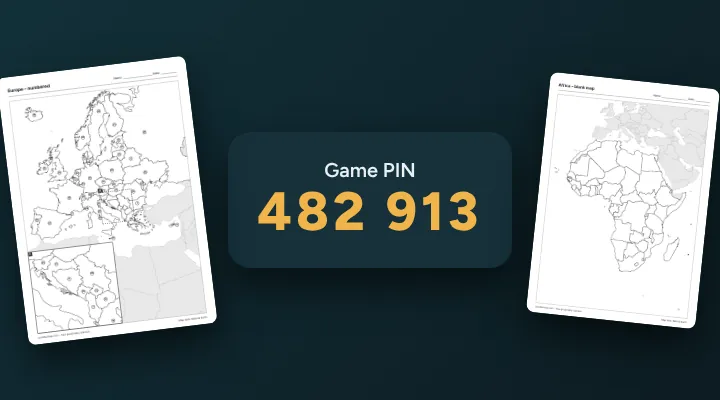
Everyone answers the same questions at the same time. Students join at quizthemap.com/join with a six-digit PIN; your screen shows the scoreboard and a podium at the end.
Host a live gameClass & homework
Make a class code, share one link, and set any quiz as homework with a due date. You see each student's best score, time and tries, and can copy it as CSV.
Create a class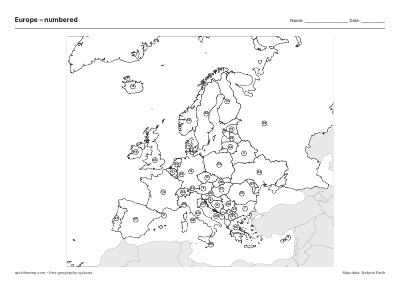
Printable maps
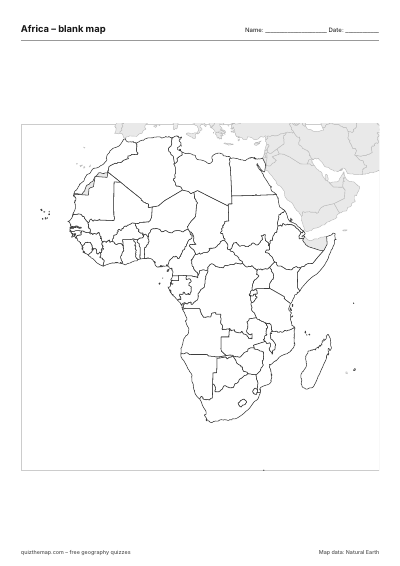
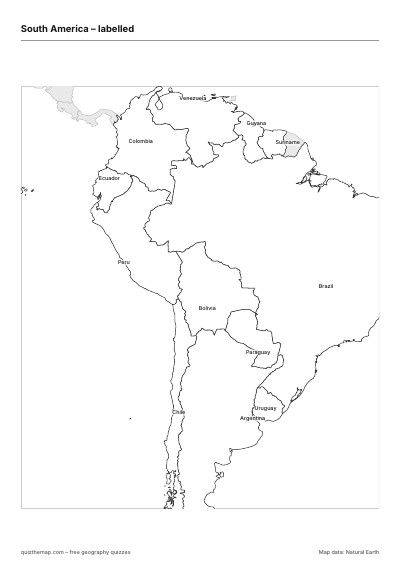
Every map as a free A4 PDF: blank, numbered with an answer key, a worksheet with a word bank, a test with a score box, and labelled.
Browse printable mapsSet up a class in two minutes
Classes keep a leaderboard for the whole term and let you set homework.
- Create a classOpen the Leaderboard, find Classes & teachers, type a class name and press Create class.
- Share the linkPost the link in your class channel or write the code on the board. Students type a first name, nothing more.
- Set homework, see resultsPress New assignment, pick a quiz and a due date. Results come in as students play.
Popular printable maps
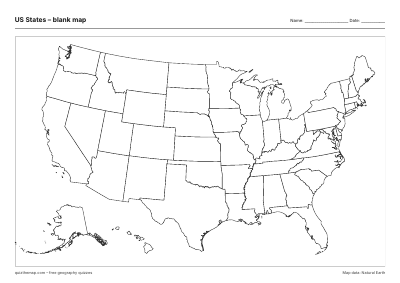
Click a map for the blank, numbered, worksheet, test and labelled PDFs.
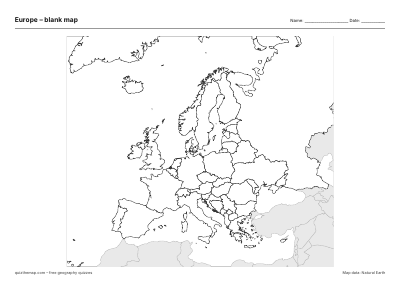 Europe
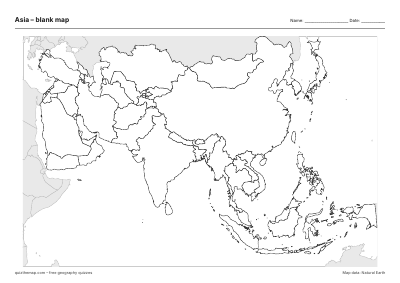 Asia
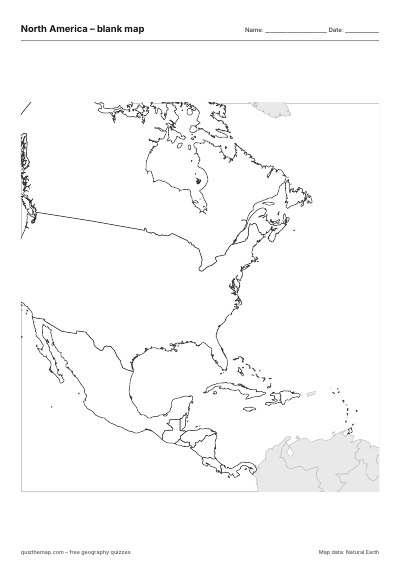 North America
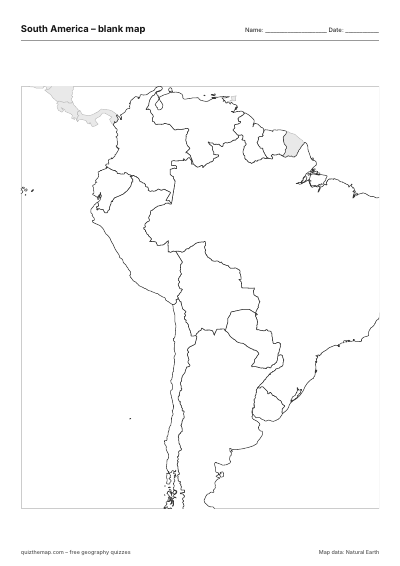 South America
 US states
Quizzes by topic
Every quiz works in a live game, as homework and on its own.
Guides to use in lessons
Short reads with memory tricks you can hand out or teach from.
Questions teachers ask
Which ages is it for?
Continents and oceans work from about age 8, countries and capitals from about 10, and states, provinces, flags and history maps for older students. The teacher guide suggests quizzes per age group.
How do assignments work?
In Leaderboard → Classes & teachers, press New assignment, pick a map, the quiz type (for example capitals or flags), how to play it and a due date. Students in your class see it at the top of their front page with a Play button. You see a table for each assignment: every student's best score, time, number of tries, when they first finished it, and whether that was after the due date. Copy as CSV puts the table on your clipboard. Students can play as often as they like; only their best try counts.
Can I manage the class from another device?
The device you made the class on keeps a teacher key, and if you were signed in when you made the class, your account works on any device. Otherwise press Copy teacher link for another device and open that link there – keep it private, because anyone with it can manage the class. A class made before assignments existed has no teacher key yet: press Are you the teacher? Set assignments on your own device once.
What do students need?
A browser on a phone, tablet or computer. No app, no account and no e-mail address: students only type a first name or nickname, which is shown on the leaderboard.
What about privacy and ads?
Students in a class or a live game play without ads. Results are stored on the student's own device, and only the names and scores they choose to submit are shared. See our privacy policy.
Which printable versions are there?
Blank for drawing and colouring, numbered with an answer key, a worksheet with a word bank for younger students, a test with a score box and no word bank, and a labelled map for study and the wall.
Can I use the printable maps for free?
Yes – for schools, tutors, homeschooling and personal use. Print as many as you need; there is no watermark and no sign-up.